


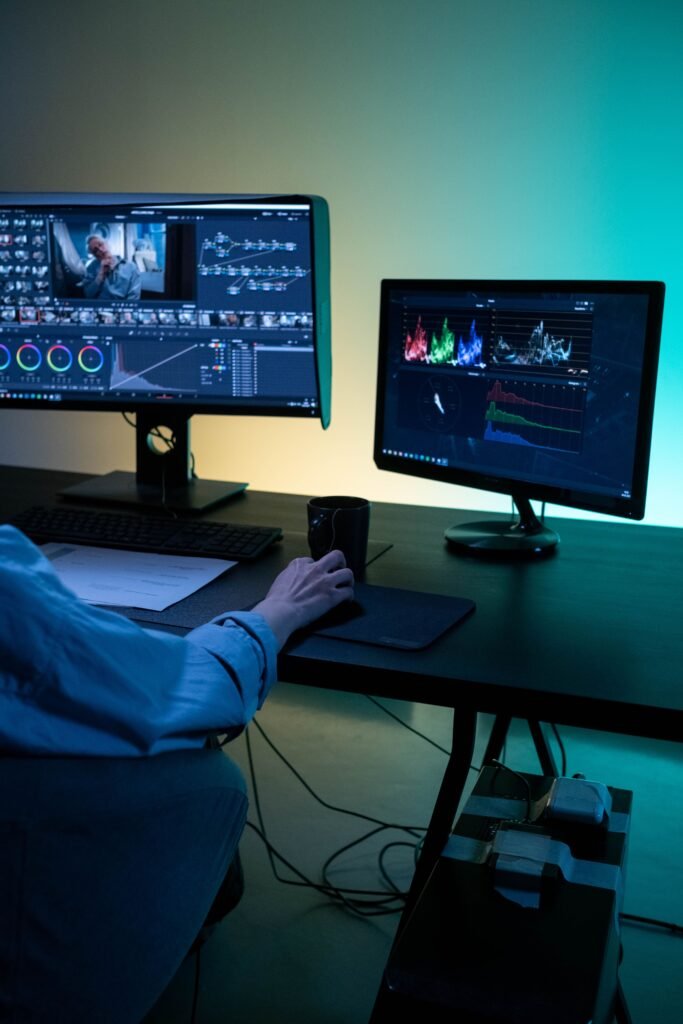
What Does a Professional Video Editing Workflow Look Like?
What Does a Professional Video Editing Workflow Actually Look Like?
Most people hiring a video editor for the first time have no real sense of what happens between sending over raw footage and receiving a finished video. Understanding the professional video editing workflow — even at a high level — makes it much easier to evaluate quotes, set realistic expectations, and know what you’re actually paying for at each stage. Here’s what the process typically looks like from start to finish.
Why the Process Matters More Than the Final Cut
Two editors can produce visually similar final videos through completely different processes — one rushed and inconsistent, one methodical and repeatable. The process is usually what determines whether an editor can deliver that same quality reliably, week after week, rather than getting lucky once. Understanding the steps also helps explain why a quote for “a quick edit” and a quote for “a full professional edit” can differ so much for what looks like the same length of footage.
Step 1 — Footage Review and Organization
Before any actual cutting happens, an editor reviews all the raw footage, notes usable takes, flags problems (audio issues, bad lighting, unusable segments), and organizes everything so it’s easy to find later in the process. Skipping this step is one of the most common reasons amateur edits take far longer than they should — without organization, every later step means re-scrubbing through hours of raw material, often multiple times for different parts of the edit.
Step 2 — The Rough Cut
The rough cut is the first assembly of the video — getting the right footage in roughly the right order, without worrying yet about polish, transitions, or graphics. This step is about structure: does the video flow logically, does the pacing feel right at a basic level, and does the core content actually work before any time gets spent on details that might get cut anyway. Catching a structural problem here is far cheaper, in both time and revisions, than catching it after graphics and sound design are already built on top of it.
Step 3 — Structuring and Pacing
Once the rough cut exists, the editor refines pacing — tightening dead air, adjusting cut timing, and making sure the video’s structure serves its purpose, whether that’s holding retention on a YouTube video or landing a hook in the first two seconds of a Short. This is one of the most skill-dependent steps in the entire process, since it requires judgment about what actually keeps a viewer watching, not just technical cutting ability.
Step 4 — Graphics, Sound Design, and Polish
With structure locked in, the editor adds the elements that make a video feel finished: motion graphics, text overlays, sound effects, background music, and audio cleanup. This step is where a video’s brand identity really comes through — consistent fonts, colors, and transition styles that match previous content rather than looking like a one-off.
Step 5 — Color and Final Technical Pass
Color correction and grading adjust the footage’s look for consistency and visual polish, fixing anything that looks flat, oversaturated, or mismatched between different camera angles or shooting sessions. This step also includes a final technical check — audio levels, export settings, and making sure the video meets the requirements of wherever it’s being published.
Step 6 — Revisions and Delivery
The finished draft goes back to the client for feedback, with a defined number of revision rounds built into most professional workflows. Once approved, the editor delivers final export files, often formatted specifically for the platform it’s headed to — different aspect ratios, resolutions, or file types for YouTube versus Shorts versus TikTok, for example.
How Feedback Actually Fits Into the Process
A well-run workflow treats revisions as a defined step, not an open-ended back-and-forth. That usually means feedback gets consolidated into clear rounds — one comprehensive note rather than a stream of small requests sent as they come to mind — so the editor can address everything efficiently instead of stopping and restarting repeatedly. Vague feedback like “make it better” also slows the process considerably compared to specific notes tied to a timestamp or a particular section, since specific feedback lets an editor make a targeted change rather than guessing at intent.
What This Means for You as a Client
Knowing this process helps in a few concrete ways. It explains why footage organization on your end (clear file names, noting good takes) can meaningfully speed up an editor’s work and sometimes lower cost. It clarifies what a revision round should actually cover — structural feedback versus a comment on font choice are very different asks. And it gives you a real basis for evaluating quotes: an editor who can walk through each of these steps clearly is usually more reliable than one who can’t describe their process at all.
It’s also a useful way to spot when a quote seems mismatched to the work involved. A very low quote for a video that clearly needs heavy structuring, custom graphics, and multiple format exports likely means one or more of these steps is being skipped or rushed, not that you’ve found an unusually good deal.
If you want to see this workflow in action, The Cut Up’s YouTube video editing and podcast clip editing services are both built around this same structured process. You can read more about how it works or browse past projects to see the finished results this process produces.
Frequently Asked Questions
1. How long does a professional video editing workflow usually take?
It varies by video length and complexity, but most professional workflows include a defined turnaround window, often several days to a week for a standard long-form video with revisions included.
2. What’s the difference between a rough cut and a final cut?
A rough cut is the first structural assembly of footage, focused on flow and pacing. A final cut includes graphics, sound design, color correction, and all the polish that makes a video feel finished.
3. Why does footage organization matter if I’m paying an editor to handle it?
Well-organized footage with clear notes on good takes still speeds up the process significantly, since the editor spends less time simply searching for usable material before editing even begins.
4. How many revision rounds are typical in a professional workflow?
It varies by service, but most professional workflows include two to three defined revision rounds as a standard part of the process, with additional rounds sometimes available at extra cost.
5. Does the same workflow apply to short-form and long-form video editing?
The core steps are similar, but short-form editing usually moves faster through structuring and pacing since hook timing and retention decisions happen in the first few seconds rather than across several minutes.
Curious what this process looks like for your own footage? Get in touch with The Cut Up and see the workflow in action on your next video.